
How to activate your account
on the Teneo Learner Portal
To activate your account, click the button in the email you received titled Your Teneo Online School login details. Once you’ve created your password, you’ll be able to access the Teneo Learner Portal at https://my.teneo.school where you’ll find all your apps. Watch the video below for a step-by-step guide.

How to log in to the Teneo
Learner Portal or reset
your password
Once your account has been activated, you can log back in to the Teneo Learner Portal at any time. Watch the video below to learn how to log back in or reset your password.

How to join live lessons
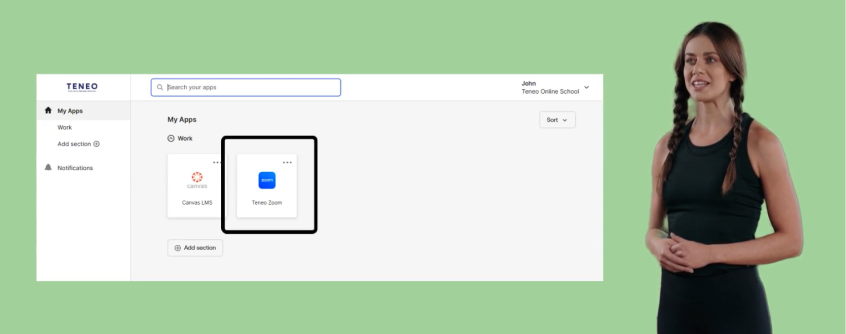
To join your live lessons, log in to the Teneo Learner Portal and click on the Canvas app. Then, navigate to your Canvas Calendar. Here's a quick explainer:
How to watch pre-recorded lessons
To watch pre-recorded lessons in Canvas, log in to the Teneo Learner Portal and click on the Canvas app. Then, navigate to your Canvas Calendar. Watch the video below to see how it works.